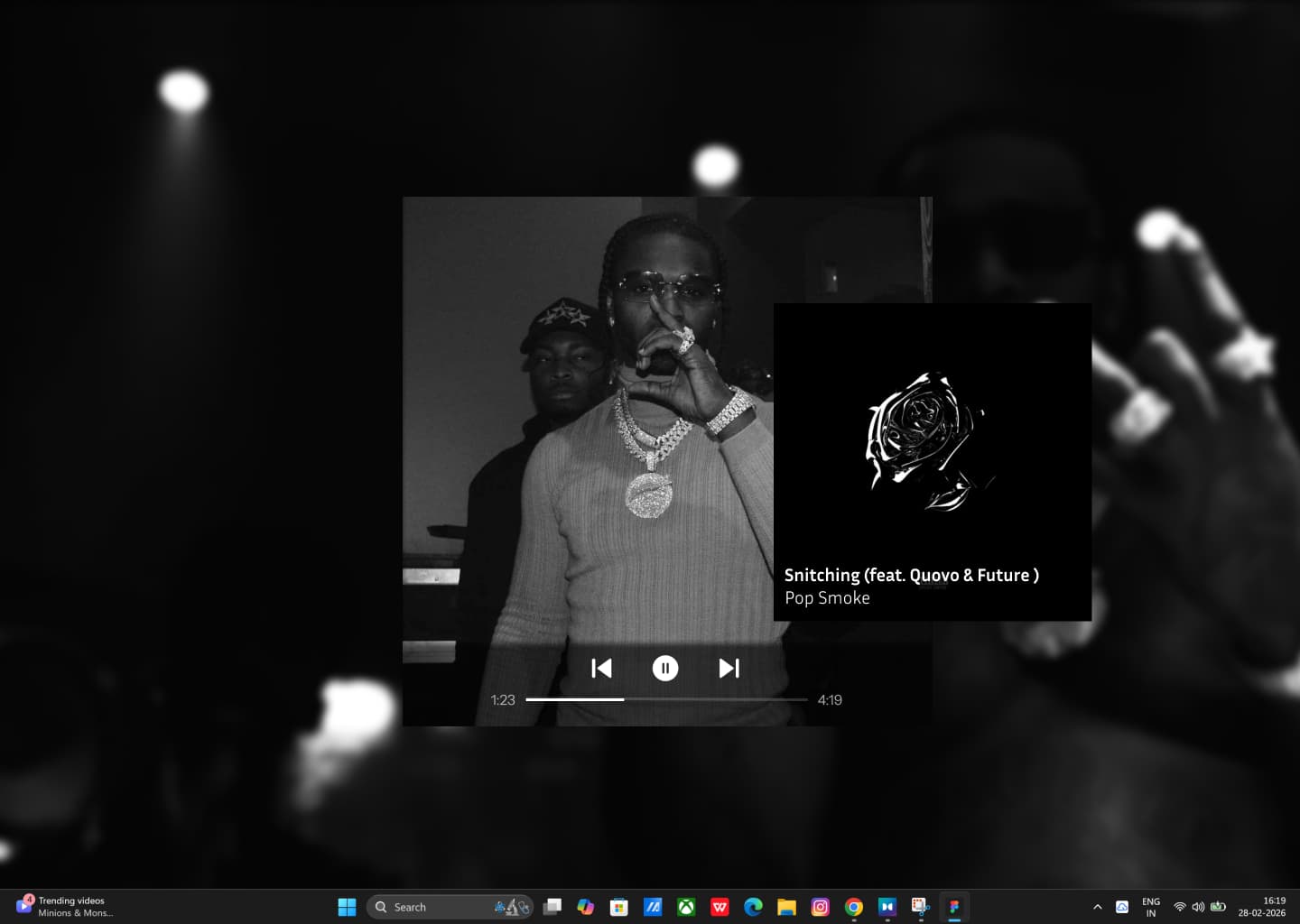
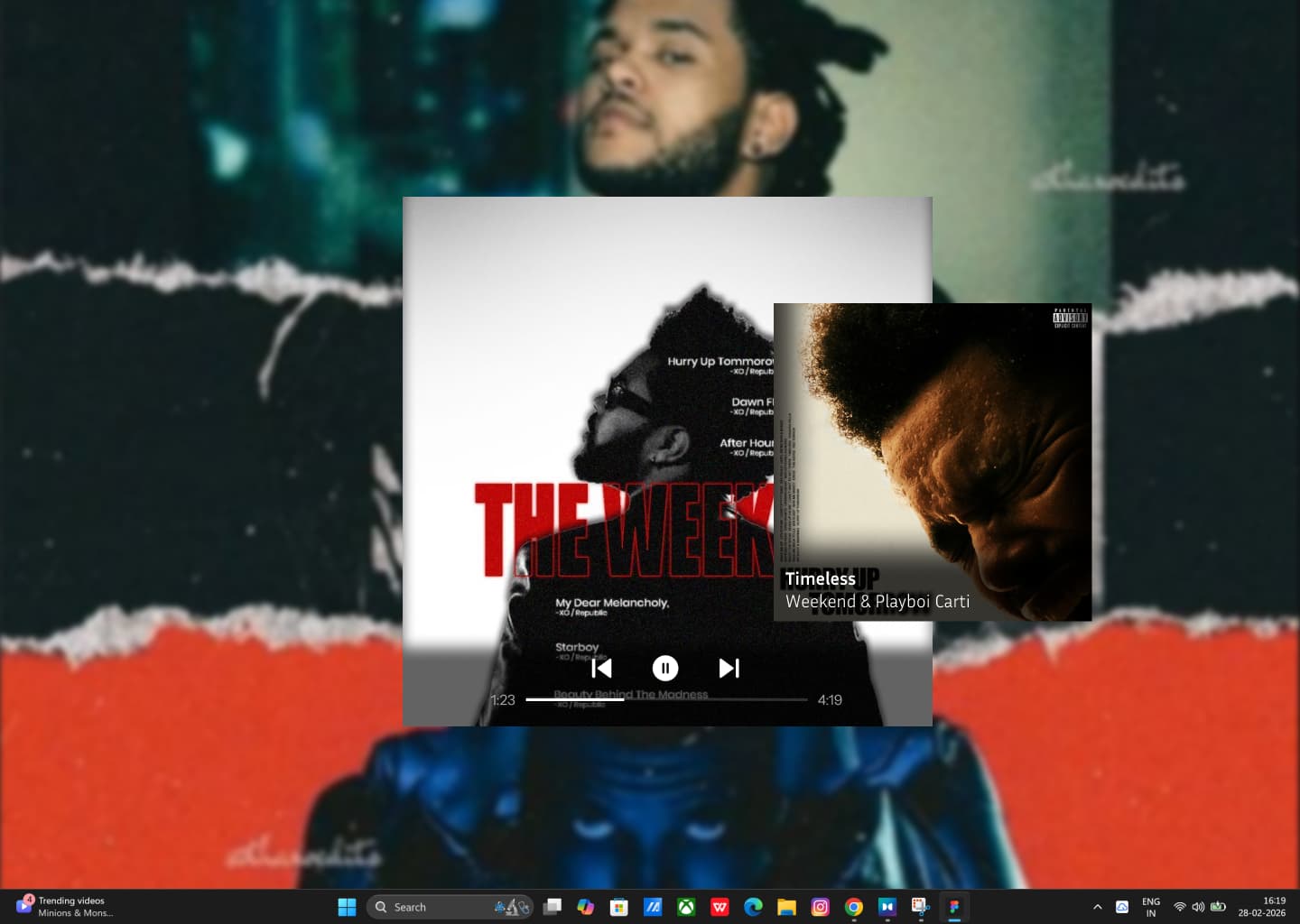
WallSynq connects to Spotify or YouTube Music and automatically sets your album art as your desktop wallpaper โ switching live with every song.
No complicated setup. WallSynq runs silently in your system tray while you focus on what matters.
Sign in with Spotify or YouTube Music in one click. WallSynq only gets read-only access to what's currently playing. Your data stays yours.
Open your favourite playlist and hit play. WallSynq runs quietly in the background โ you'll forget it's even there.
Every new song pulls its album art and sets it as your wallpaper โ with a smooth cross-fade. Your desktop tells the story of what you're listening to.
This is exactly what your screen looks like with WallSynq running โ down to the taskbar.
Every album has a visual world behind it. puts that artwork exactly where you'll see it โ your desktop background.
Song changes? Desktop changes. Automatically, instantly. WallSynq polls your music so you never have to touch a setting.
No jarring flickers. Every wallpaper change uses a cinematic cross-fade so your desktop always feels intentional.
No need to rebuild your library. Keep using Spotify or YouTube Music exactly as you do today โ WallSynq just listens.
Running two or three screens? Sync the same artwork across all of them, or configure each display individually.
WallSynq doesn't clutter your taskbar. It sits in the system tray using minimal CPU โ a ghost on your system.
Drop your name and email โ get first access the moment WallSynq launches.
No spam. One email when we launch. Unsubscribe anytime.
Share your honest reaction โ what you'd love, what you'd change.